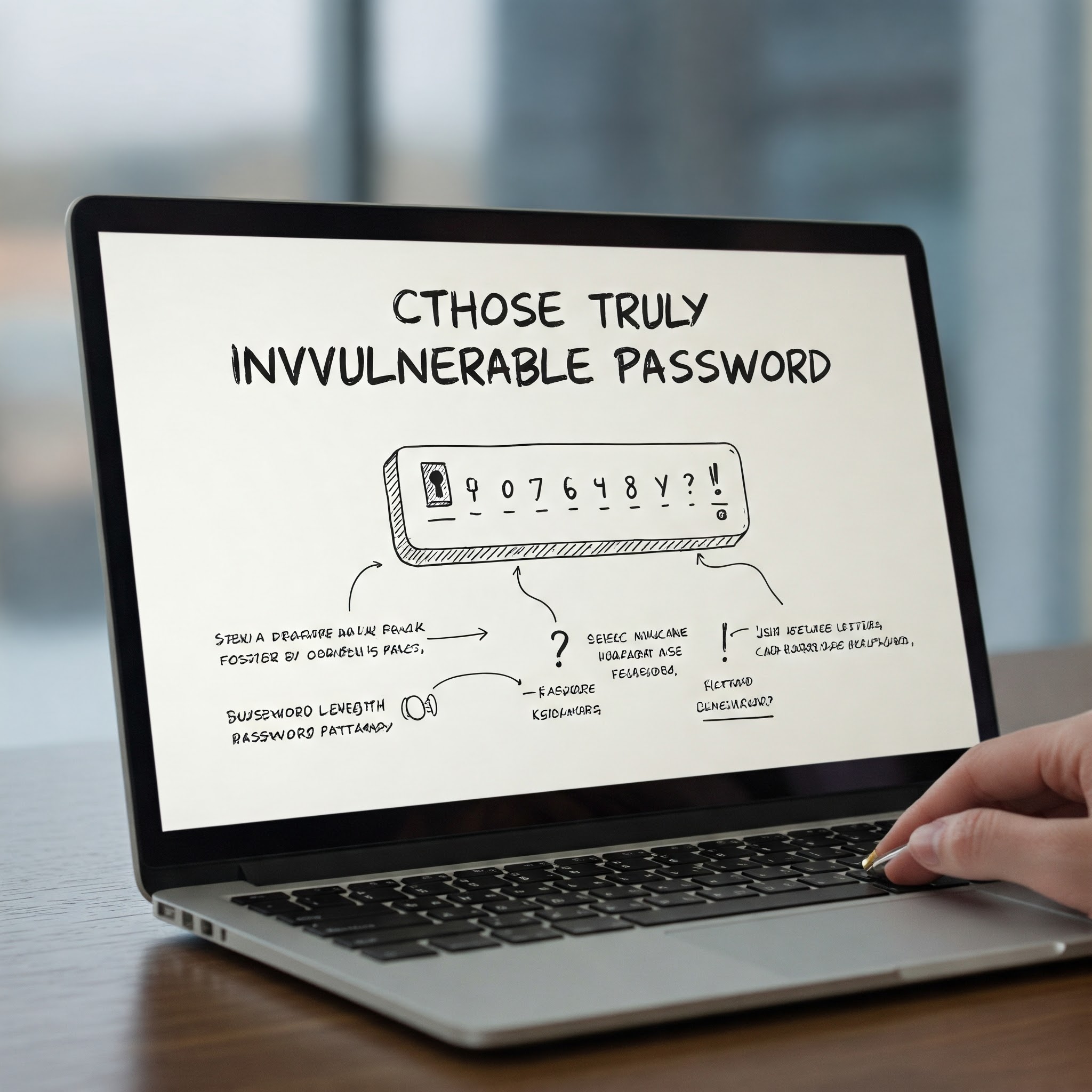
Today’s digital world, is the first—and sometimes only—line of defense against cyber threats. Weak passwords are one of the biggest reasons accounts get hacked.
If you want to truly protect your data, finances, and identity, you need more than just a “strong” password—you need a strategically built, highly secure password system.
This guide will show you exactly how to do that.
Why Most Passwords Are Still Easy to Hack
Even in 2026, millions of users still rely on passwords like:
- 123456
- password
- qwerty
Hackers use advanced tools capable of testing billions of combinations per second. This means simple or predictable passwords can be cracked almost instantly.
Even worse, many people reuse the same password across multiple sites—making it easy for attackers to access everything once they crack just one account.
What Makes a Password Truly Secure?
A secure password isn’t just random—it follows specific principles:
1. Length Matters More Than Complexity
The longer your password, the harder it is to crack.
You should Aim for at least 12–16 characters
2. Use a Mix of Characters
Combine:
- Uppercase letters (A–Z)
- Lowercase letters (a–z)
- Numbers (0–9)
- Special symbols (!@#$%)
3. Avoid Predictable Patterns
Never use:
- Names or birthdays
- Common words
- Keyboard patterns (like “azerty123”)
4. Make It Unique for Every Account
If one password gets leaked, all your accounts become vulnerable.
The Best Method: Use Passphrases
Instead of a complicated short password, use a long passphrase.
Example:
=> BlueCoffee!Runs@Sunset2026
Why this works:
- Easy to remember
- Long and complex
- Hard to guess
Use a Password Manager (Highly Recommended)
Remembering dozens of strong passwords is impossible.
That’s where password managers come in. They:
- Generate secure passwords
- Store them safely
- Autofill login details
Popular options include:
- Bitwarden
- 1Password
- LastPass
Enable Two-Factor Authentication (2FA)
Even the best password isn’t enough on its own.
2FA adds an extra layer of protection by requiring:
- A code sent to your phone
- Or an authentication app
=>This makes your account nearly impossible to access without your permission.
Common Password Mistakes to Avoid
Avoid these at all costs:
❌ Reusing passwords
❌ Writing passwords in notes or emails
❌ Sharing passwords with others
❌ Using short passwords
❌ Ignoring security alerts
How to Check If Your Password Is Compromised
Sometimes your data is leaked without you knowing.
Use trusted tools like:
- “Have I Been Pwned”
If your email appears in a data breach:
=> Change your password immediately.
Pro Tips for Maximum Security
- Change important passwords every 3–6 months
- Use different emails for sensitive accounts
- Avoid logging in on public Wi-Fi
- Always log out from shared devices
Finally
Creating a truly secure password isn’t complicated—but it requires the right approach.
If you:
✔ Use long passphrases
✔ Enable 2FA
✔ Avoid reuse
✔ Use a password manager
=> You dramatically reduce your risk of being hacked.